
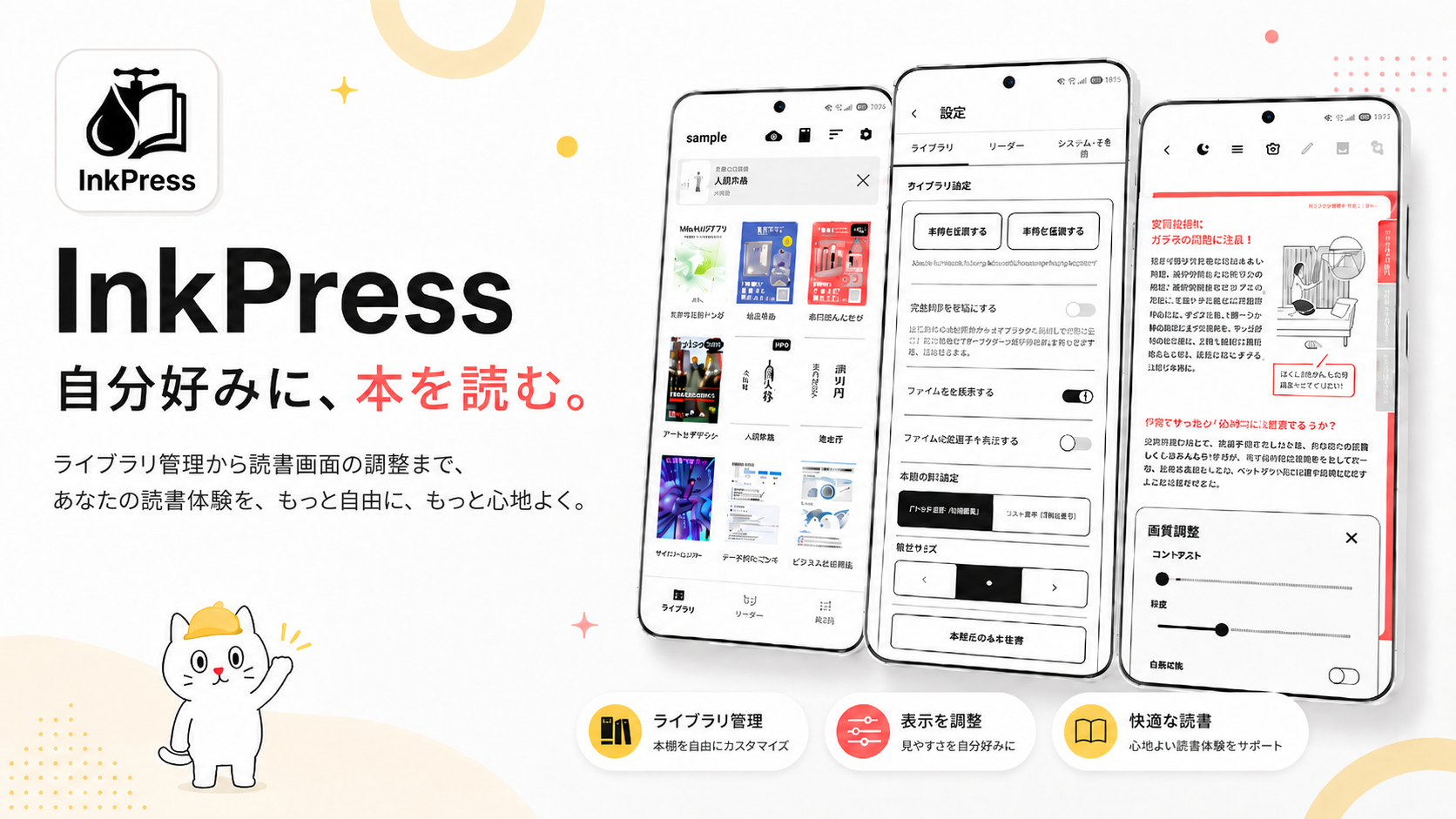
What's new in 1.3.0
Updated October 6, 2026. Rebuilt widgets and nine new languages.
- Redesigned widgets that adapt to their size, apply your opacity and text-size settings reliably, and follow the system dark mode.
- Now available in Traditional Chinese, Simplified Chinese, Korean, German, French, Spanish, Portuguese, Italian, and Russian, with the user manual in 11 languages.
- Fixed an issue where opening a book from the library could occasionally stay stuck on "Loading".
About
I love reading on E-Ink devices, and I built InkPress because I wanted a reader that finally felt right to me.
PDFs and scanned comics that open as easily as a paper book — that's the quiet little tool I'm aiming for.
I've been building it bit by bit since last year, and it's finally out. No ads, completely free, with every feature included.
Features
Built for Android E-Ink devices
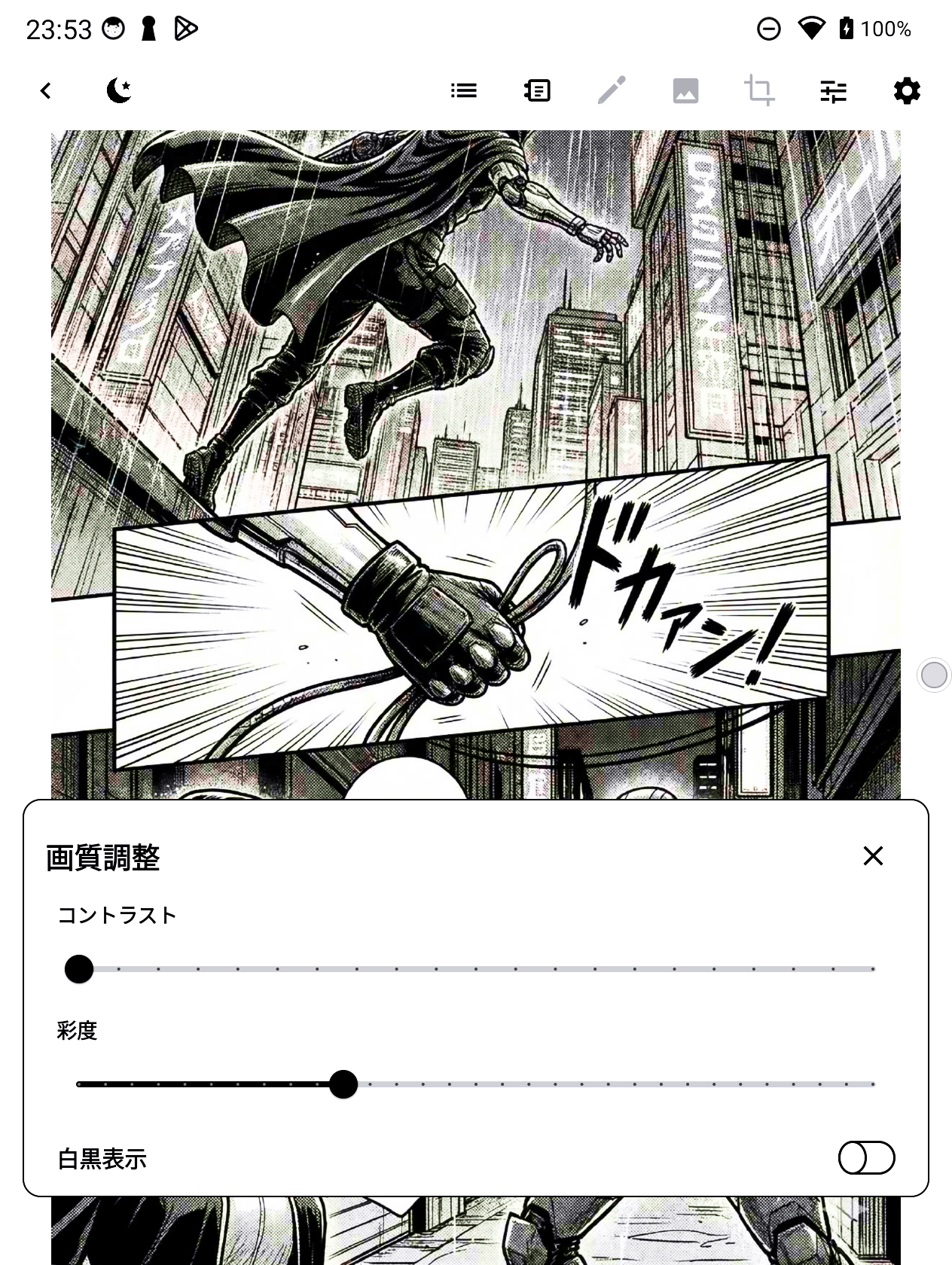
Dithering, contrast tuning, and rendering matched to E-Ink ghosting and refresh speed. It aims for a paper-like reading feel across a range of Android E-Ink devices.
PDF, CBZ, CBR & images — all in one
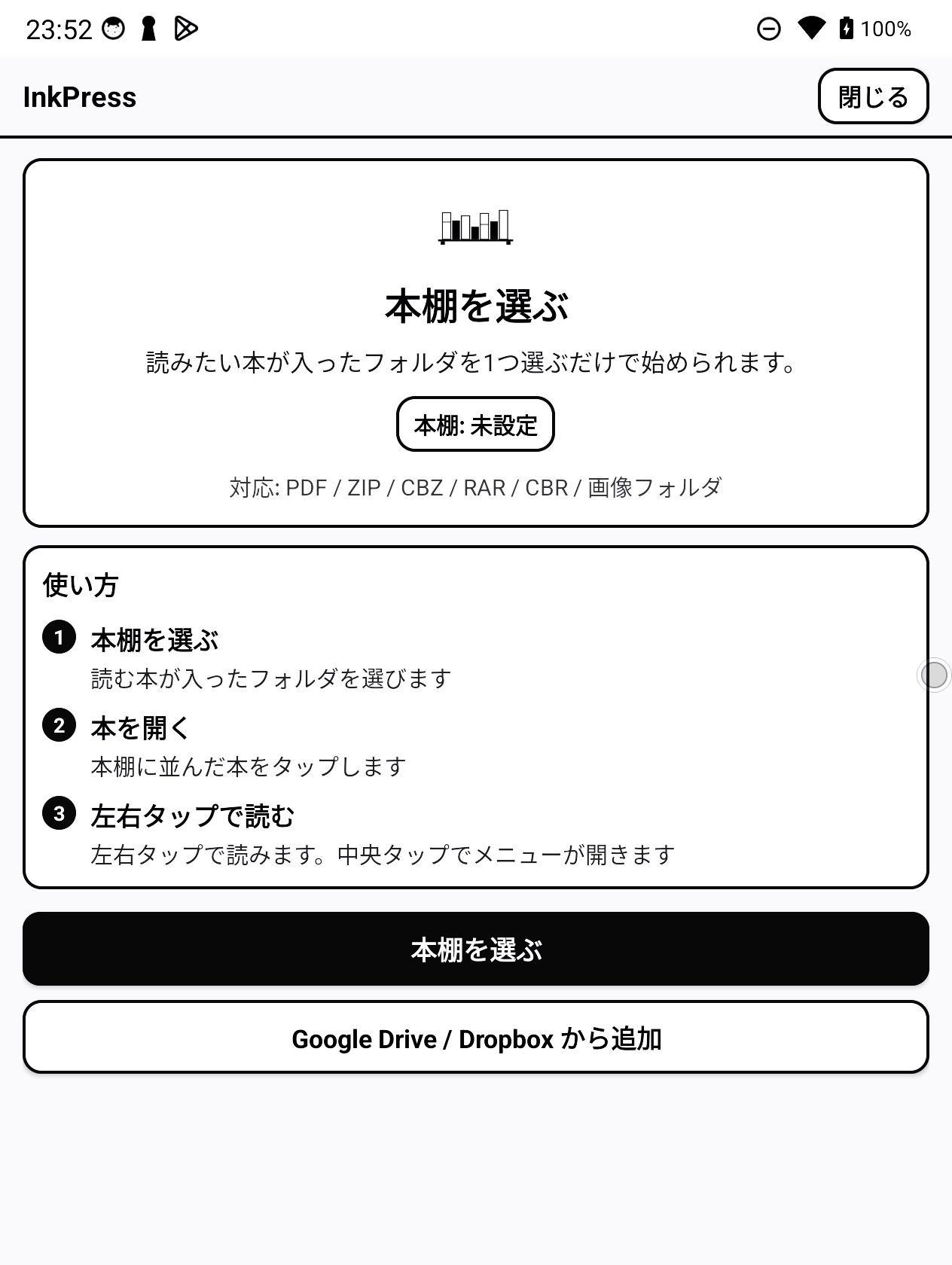
Opens PDF / ZIP / CBZ / RAR / CBR and image folders. Your scanned books and downloaded comics open directly, all in a single app.
Spreads, vertical scroll & RTL
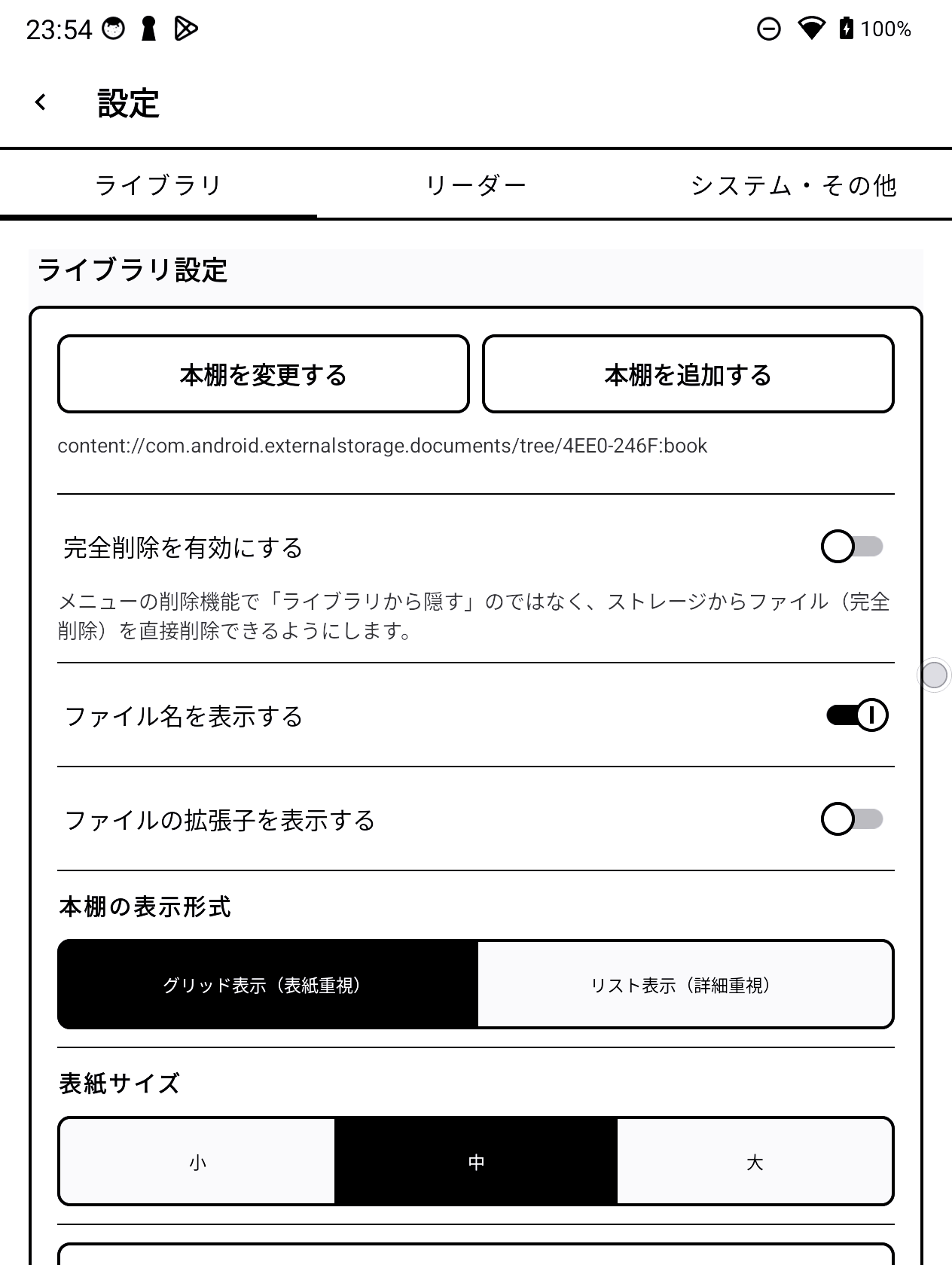
LTR, RTL (manga), vertical scroll (webtoon) and two-page spreads. Settings are inherited per folder, so you keep reading without readjusting every time.
Dropbox sync & handwritten notes
Sync your reading position, notes and per-book settings across devices via Dropbox — pick up on your E-Ink device right where your phone left off. Leave handwritten notes, highlights and bookmarks on any page.
Screenshots
More works
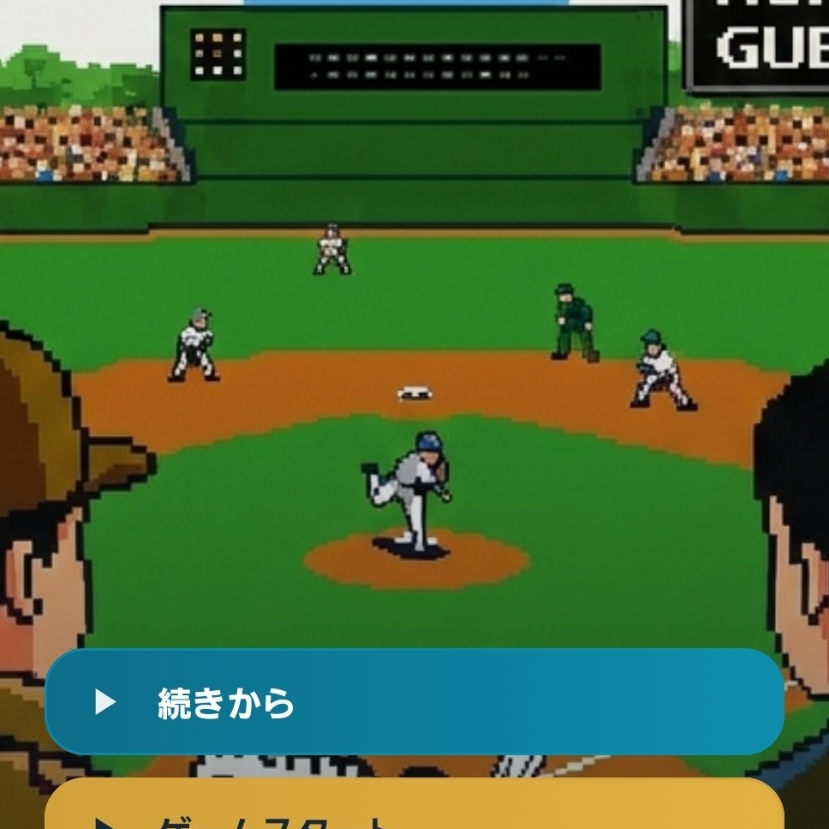 PLAYCORDA realistic baseball life sim.
  RainWiperRain, on your browser.
  COSMO CLEANERA CRT-style cosmic cleanup shooter.